Overview
Category: Office
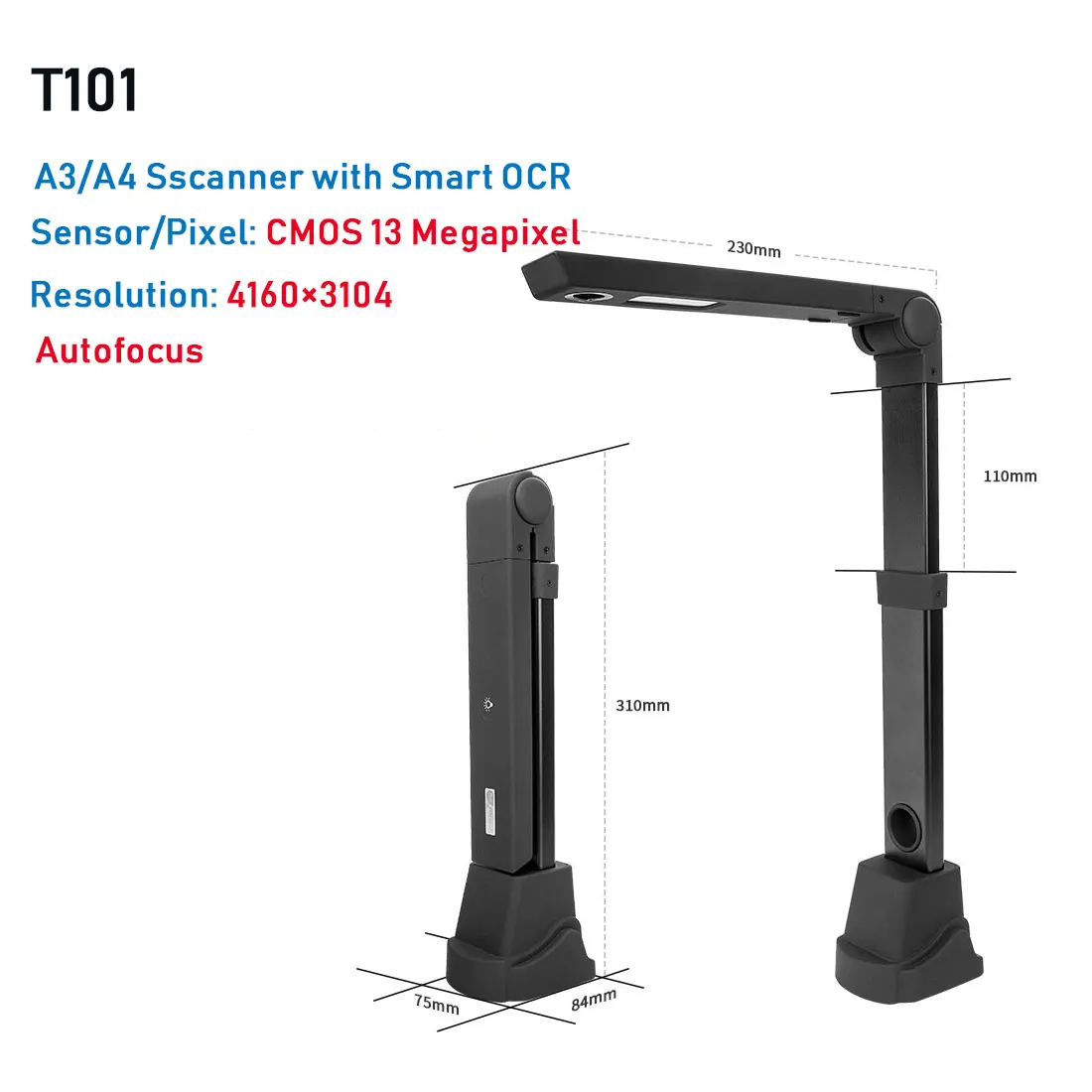
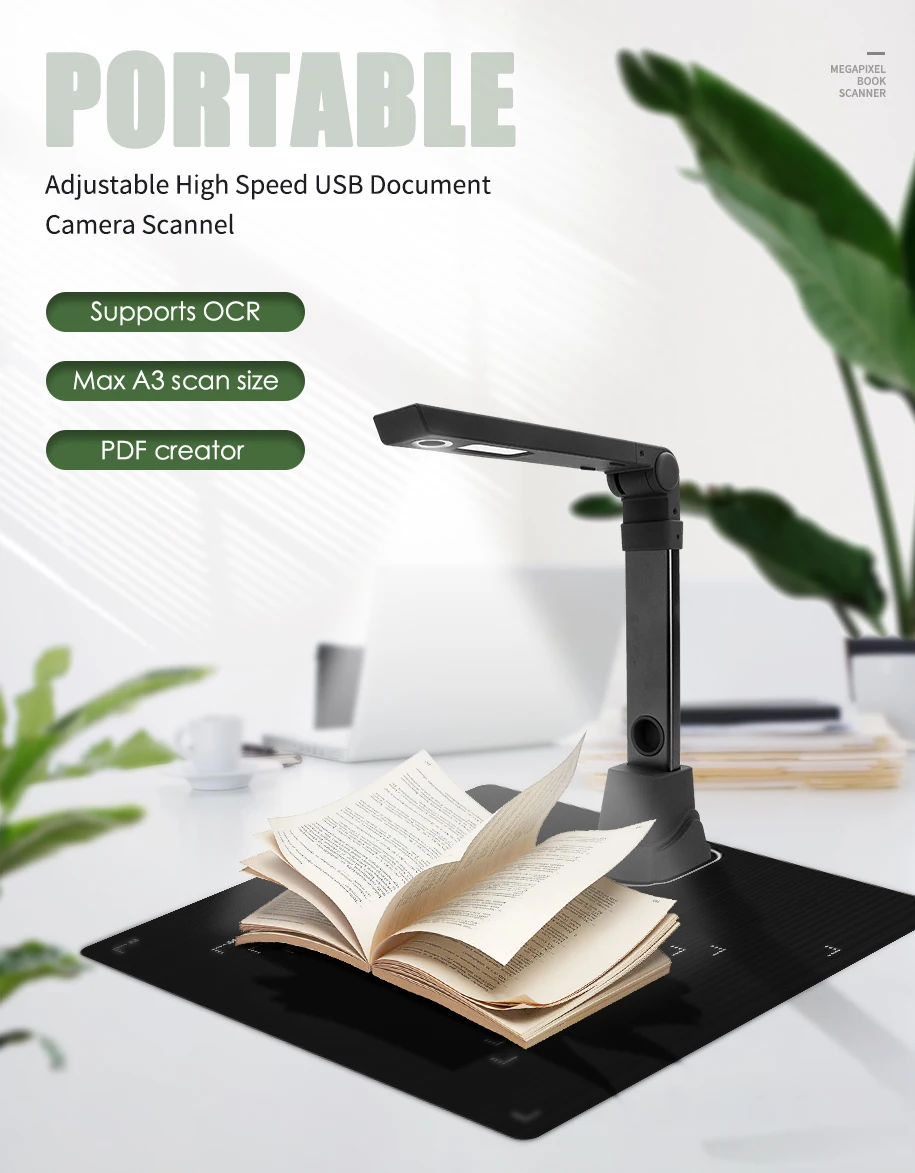
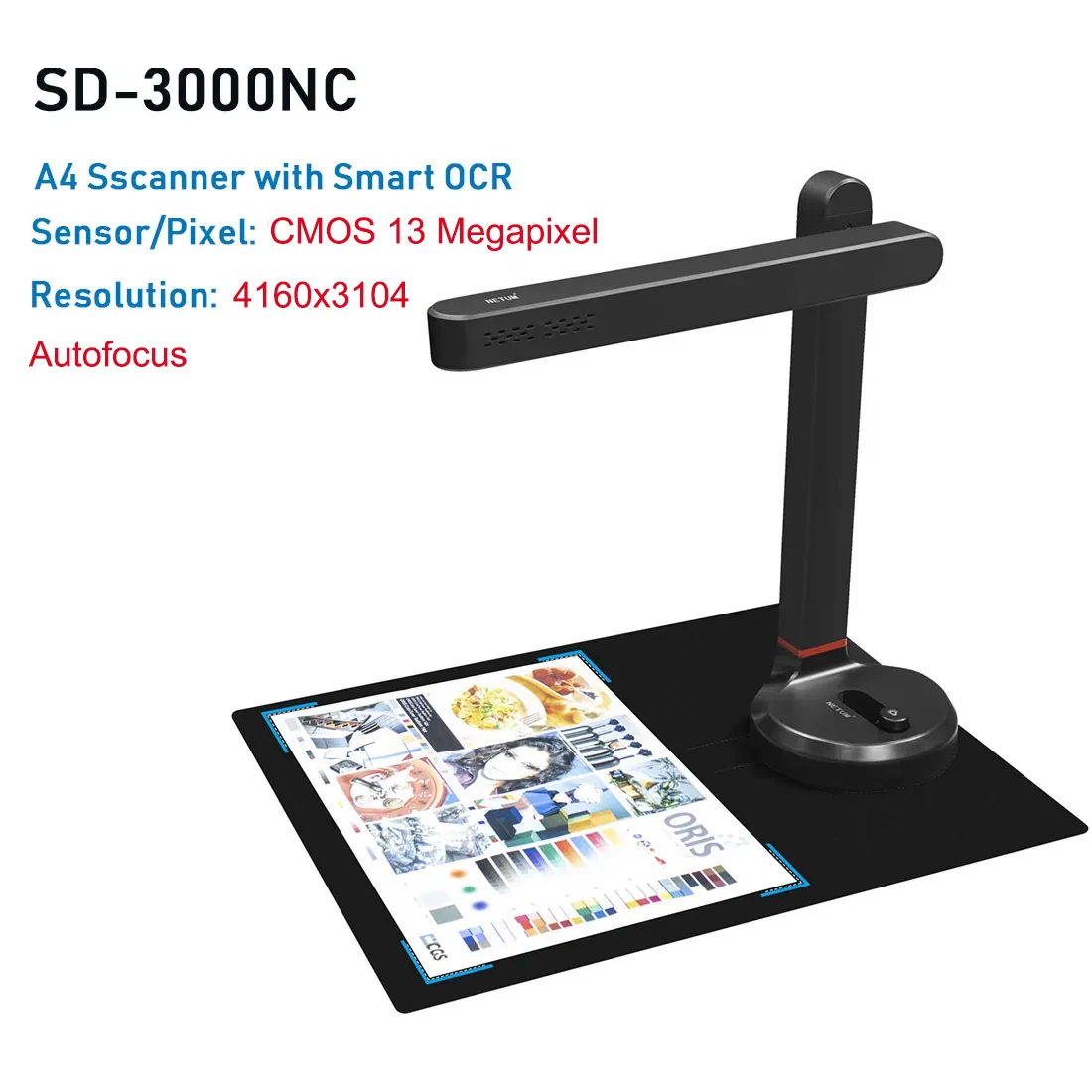
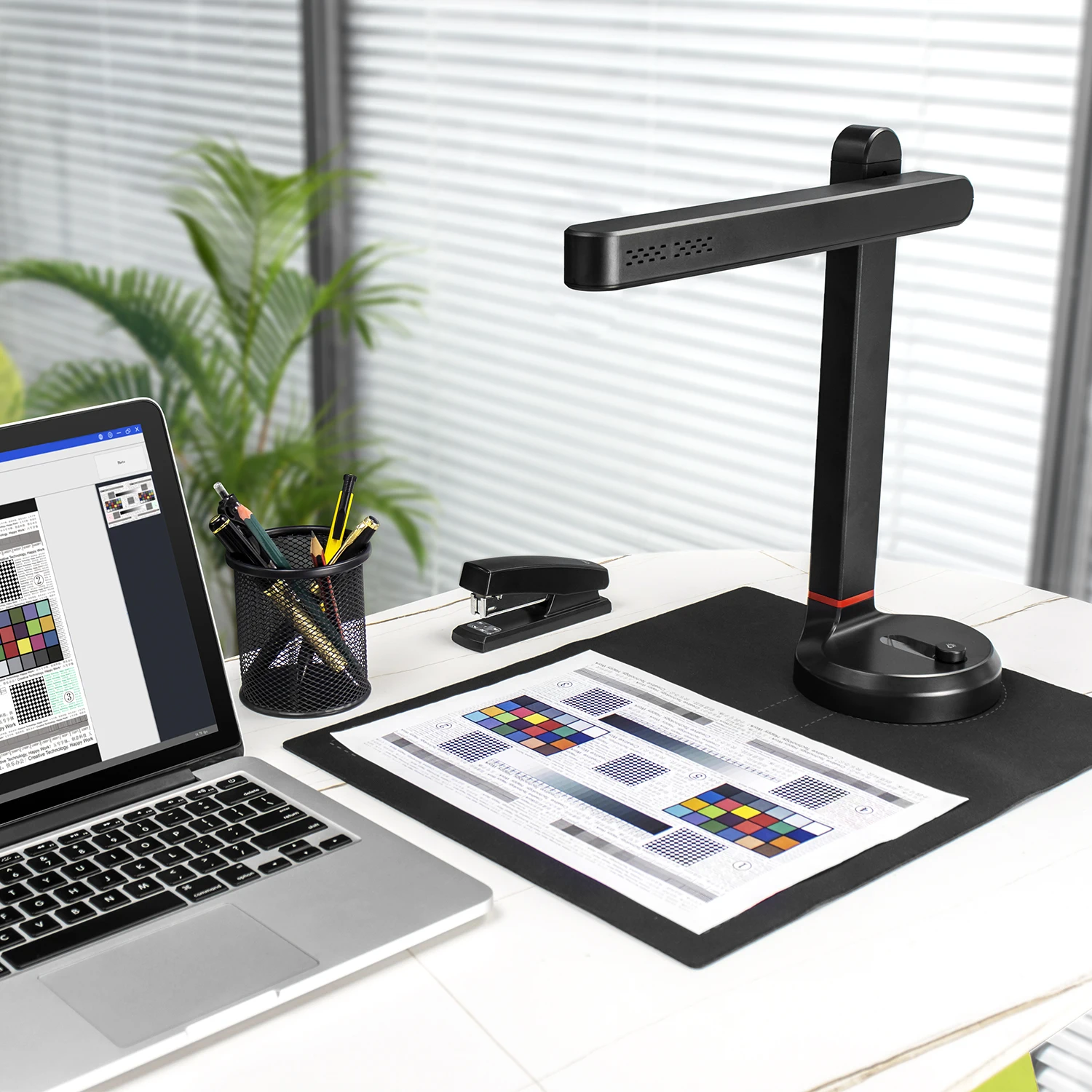
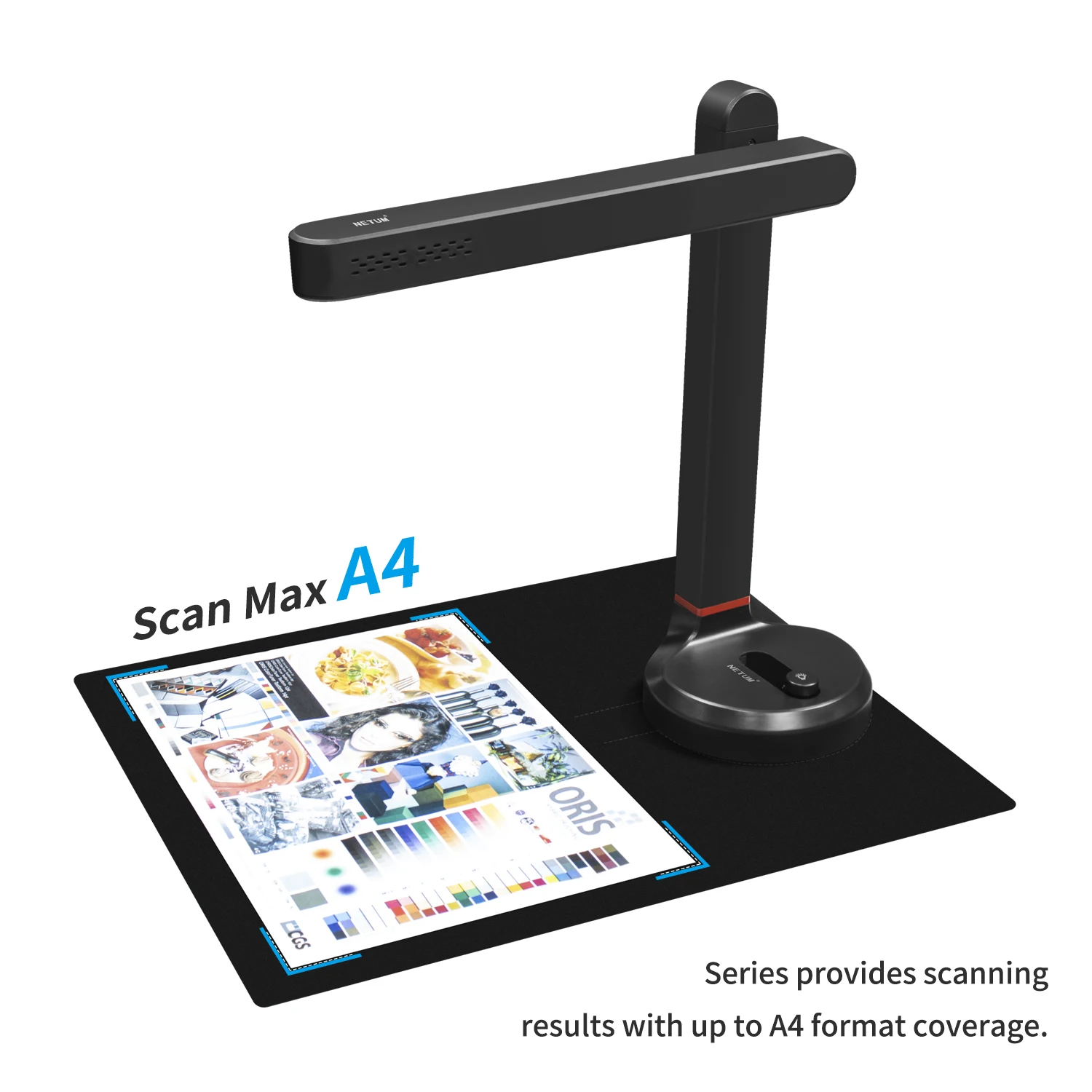
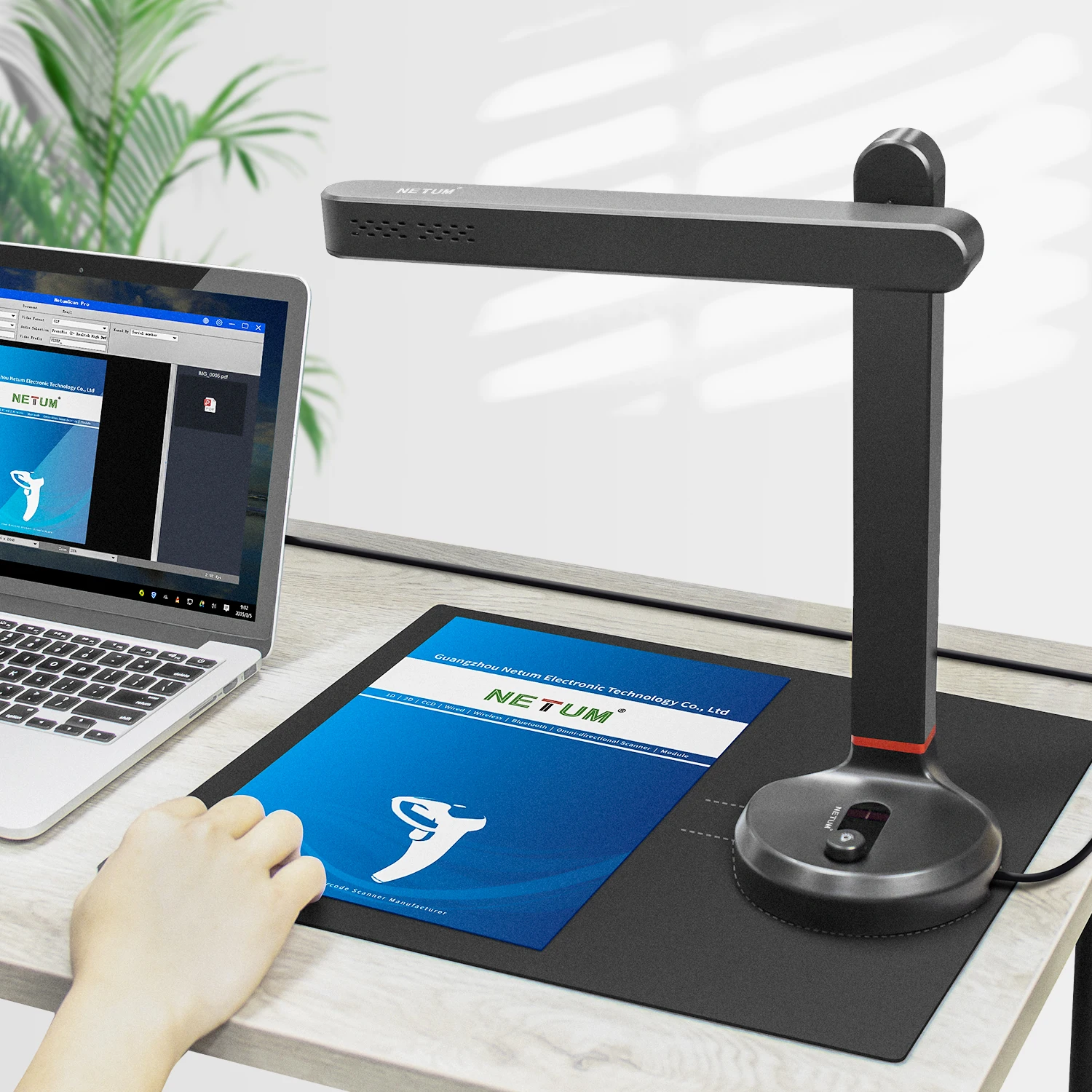
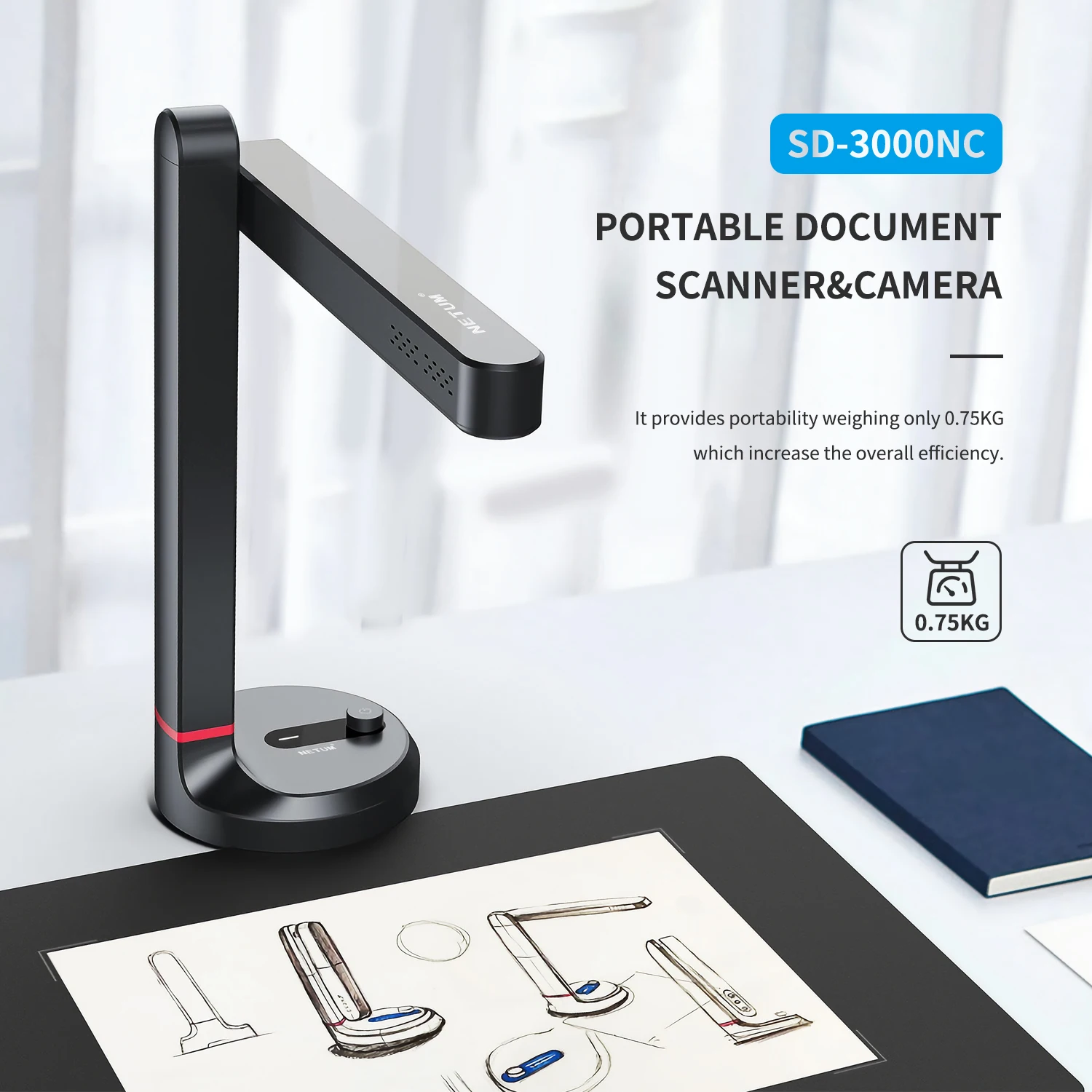
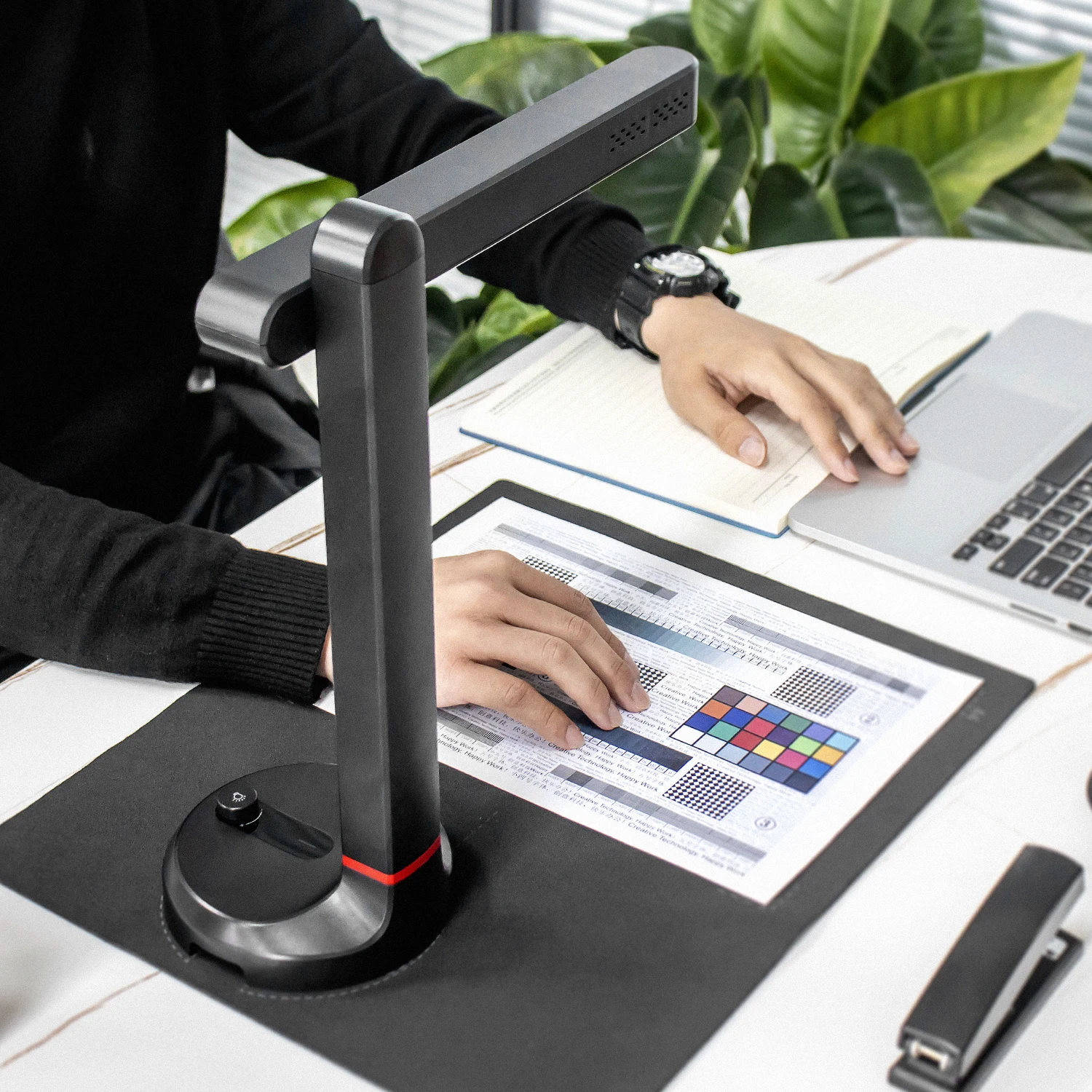
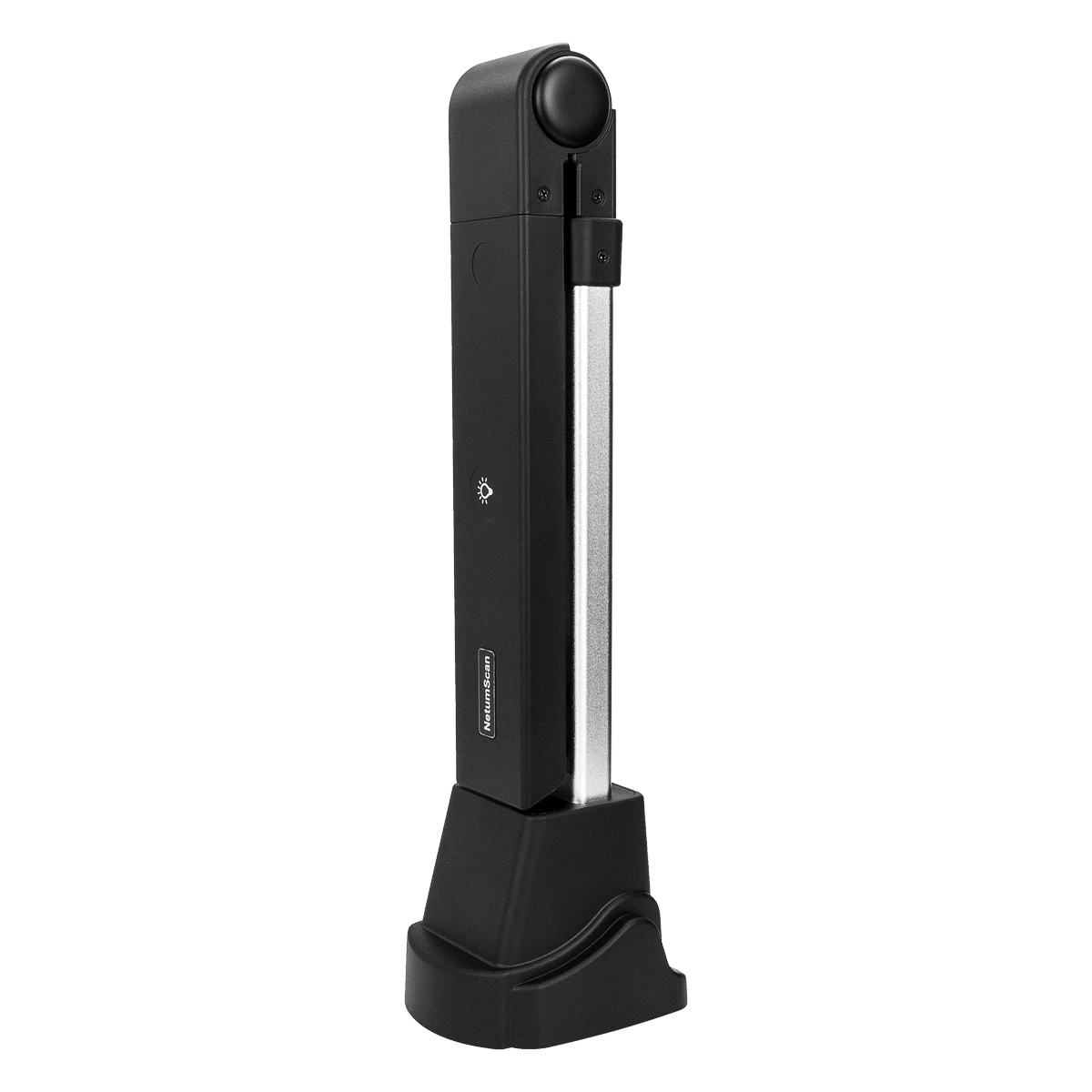
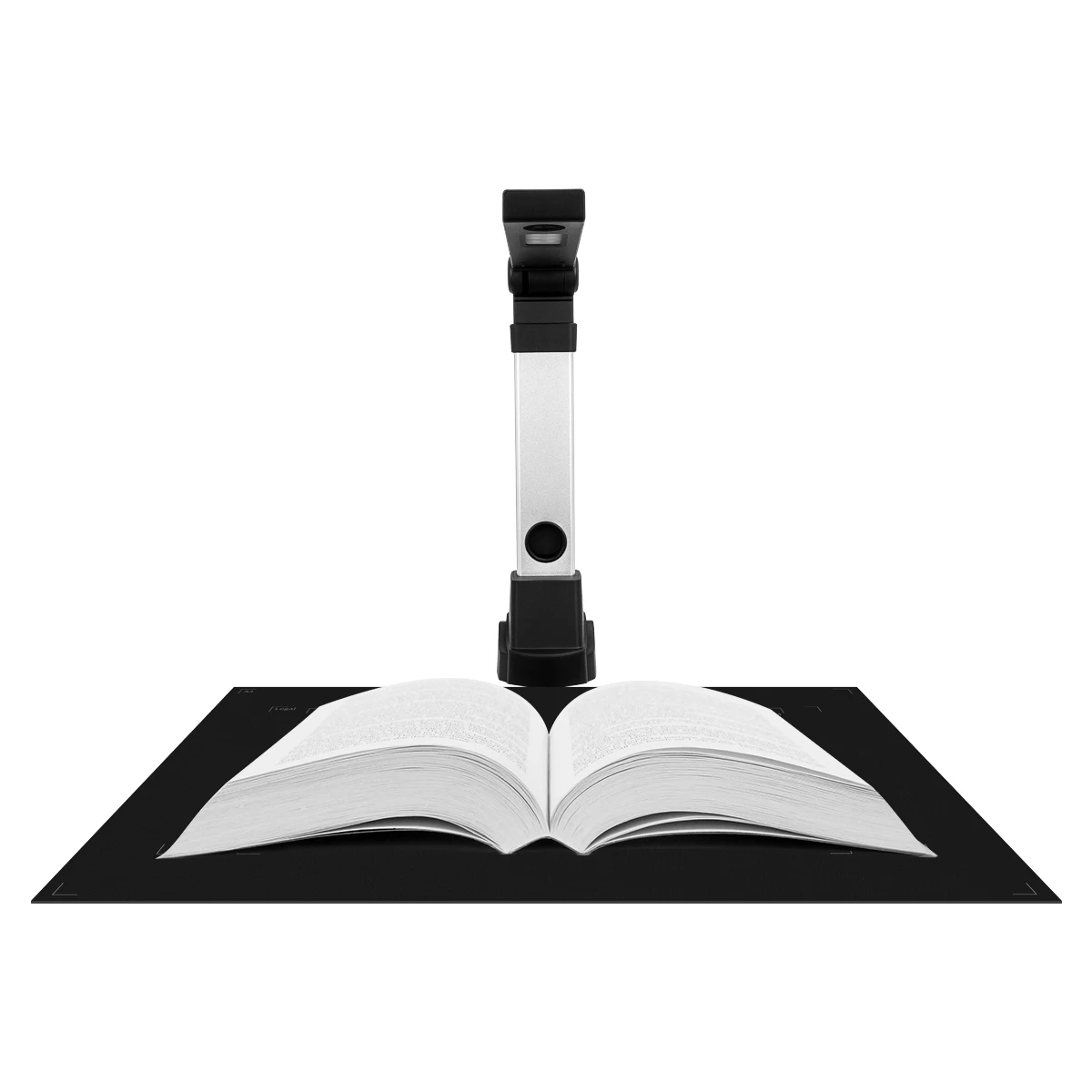
This versatile document scanner features autofocus for capturing various materials up to A3/A4 size, smart OCR capabilities, and an integrated LED desk lamp, suitable for home and office environments.
Important Features:
Model: NETUMScan T101 (Primary model described)
Sensor (T101): 13.0 Megapixel CMOS Sensor
Max Scan Area (T101): Up to A3 / A4 Size
Focus (T101): Autofocus
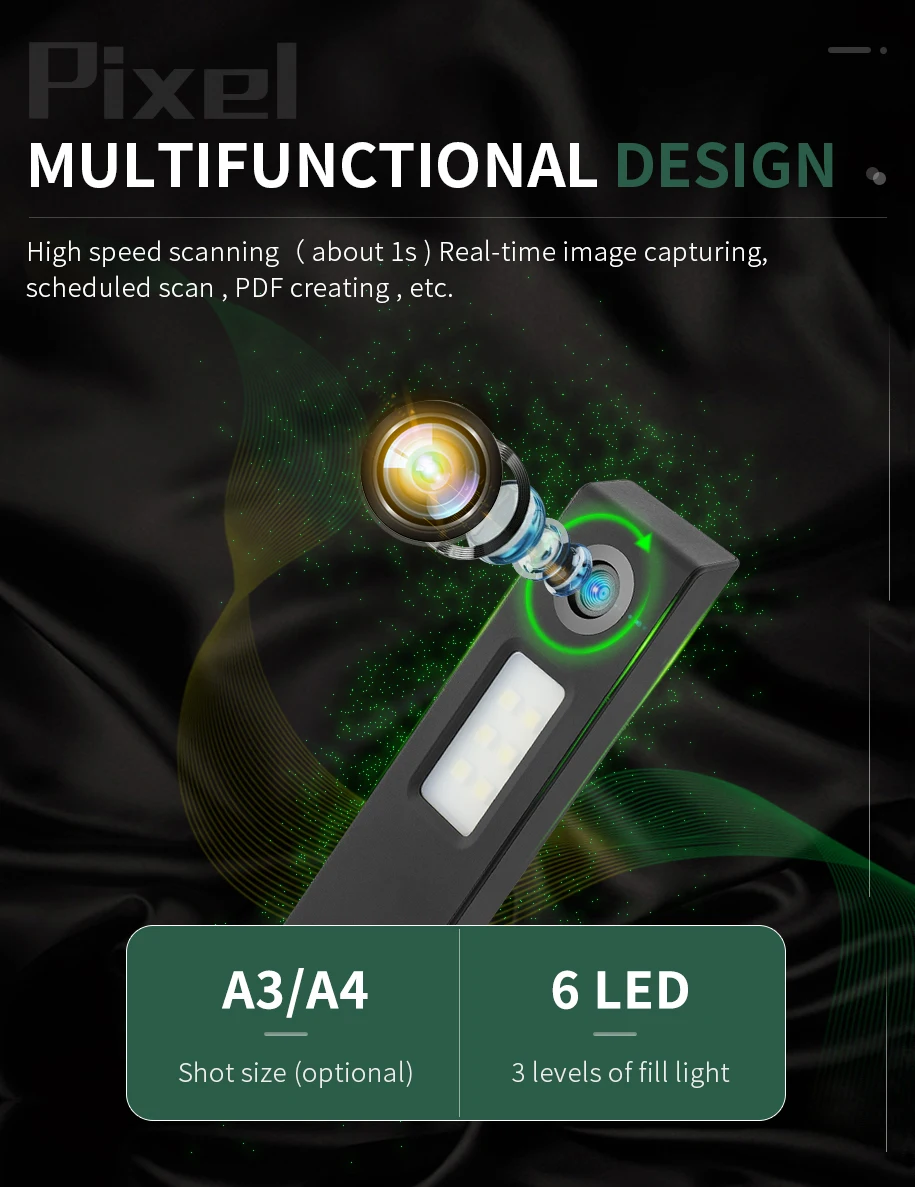
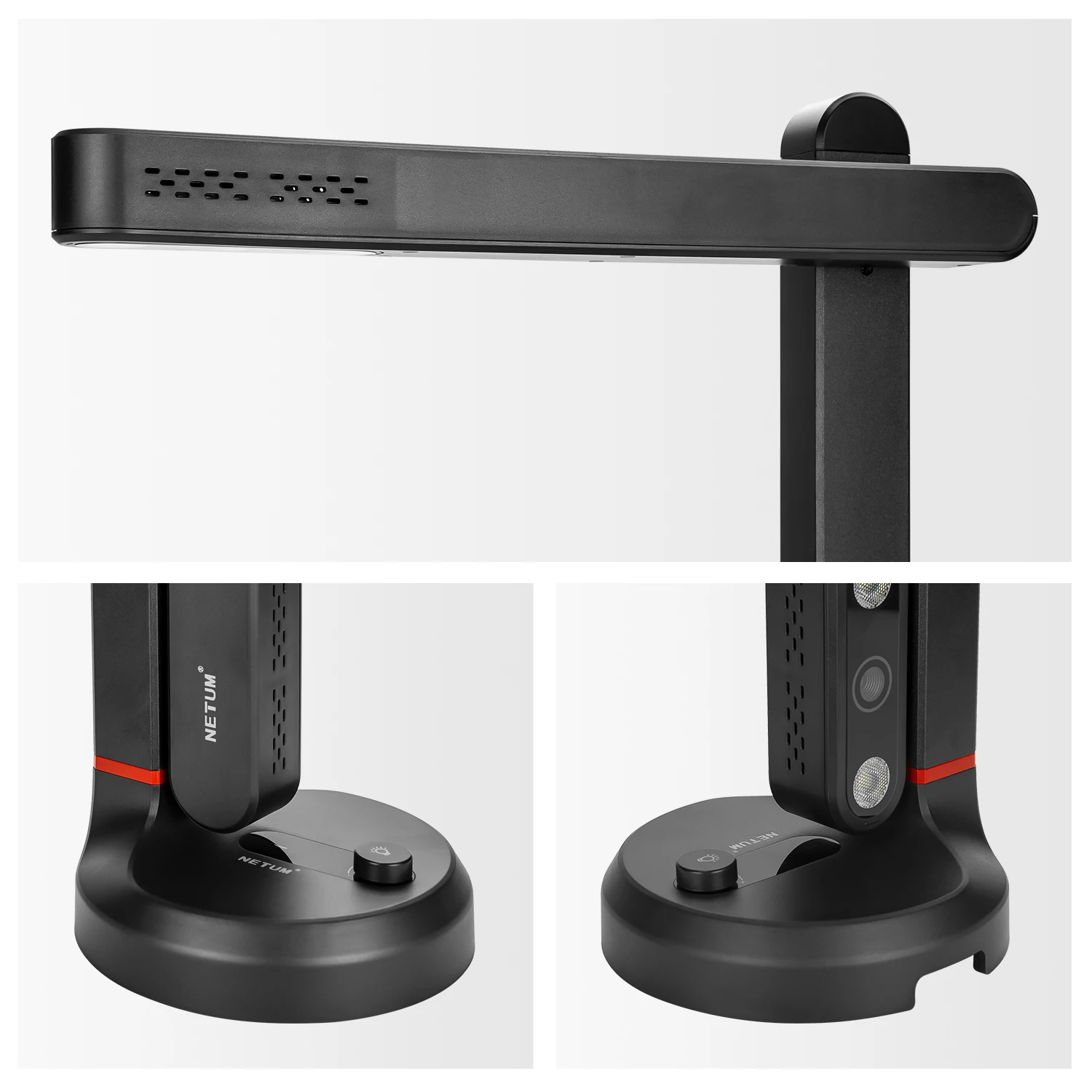
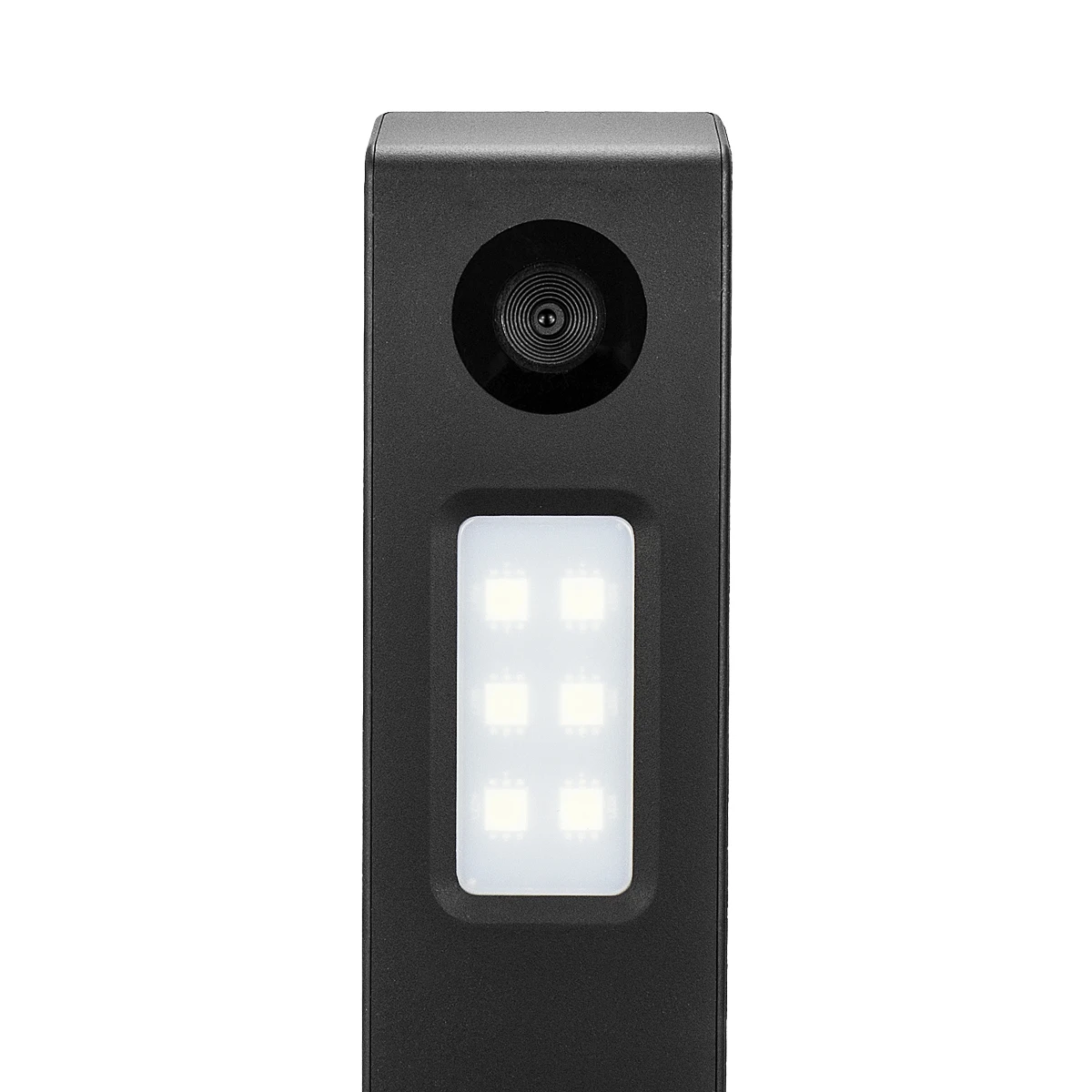
Lighting: Smart OCR LED Table Desk Lamp
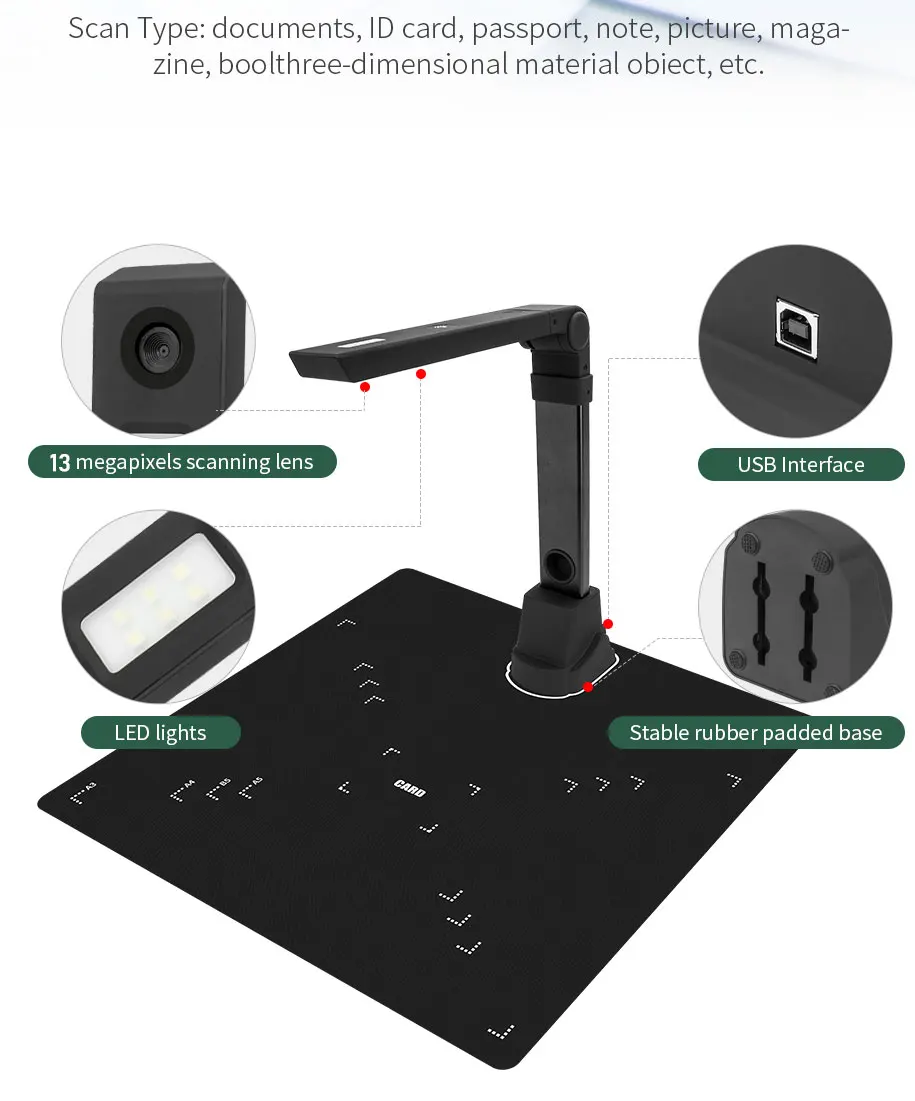
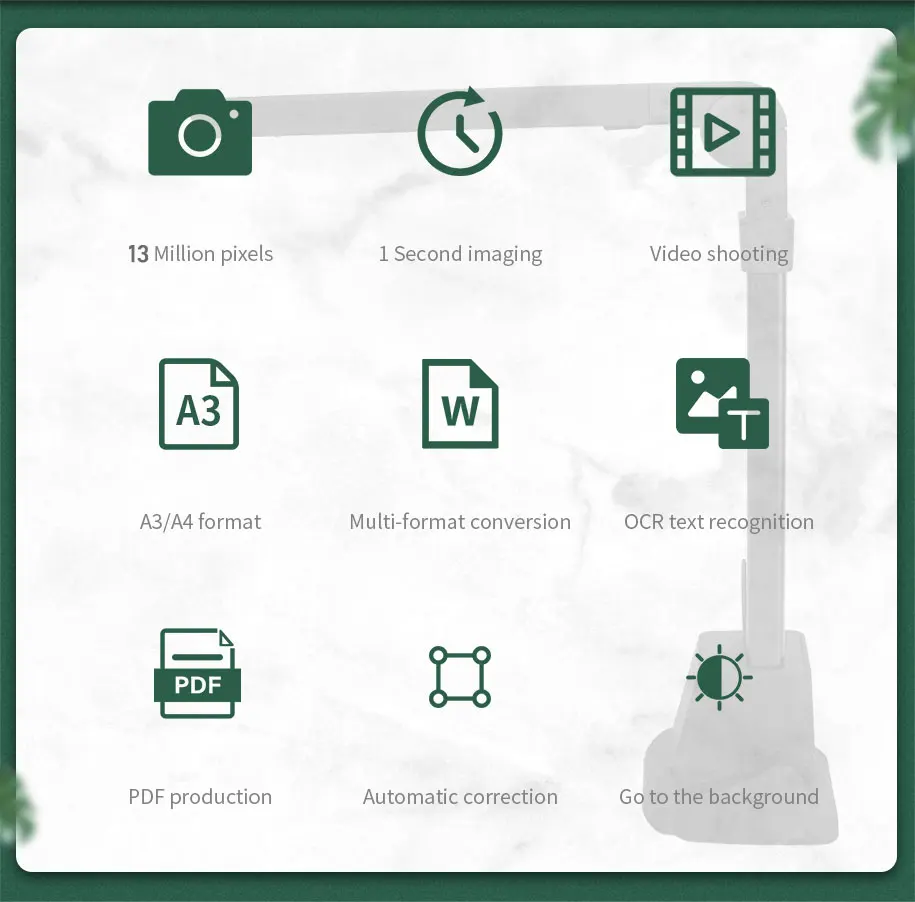
Core Functionality: Visual presenter, captures real-time images of 3D objects, magazines, books, documents, pictures, and business cards. Includes software for controlling video format, image file format, Doc file format, shooting area, and scanning single/multiple pages. Powerful OCR Text Recognition. Video Recording and Photo Capture with advanced editing tools.
Detailed Specifications (for NETUM® NetumScan SD-800NC model, as specified in the description's "Specifications" section):
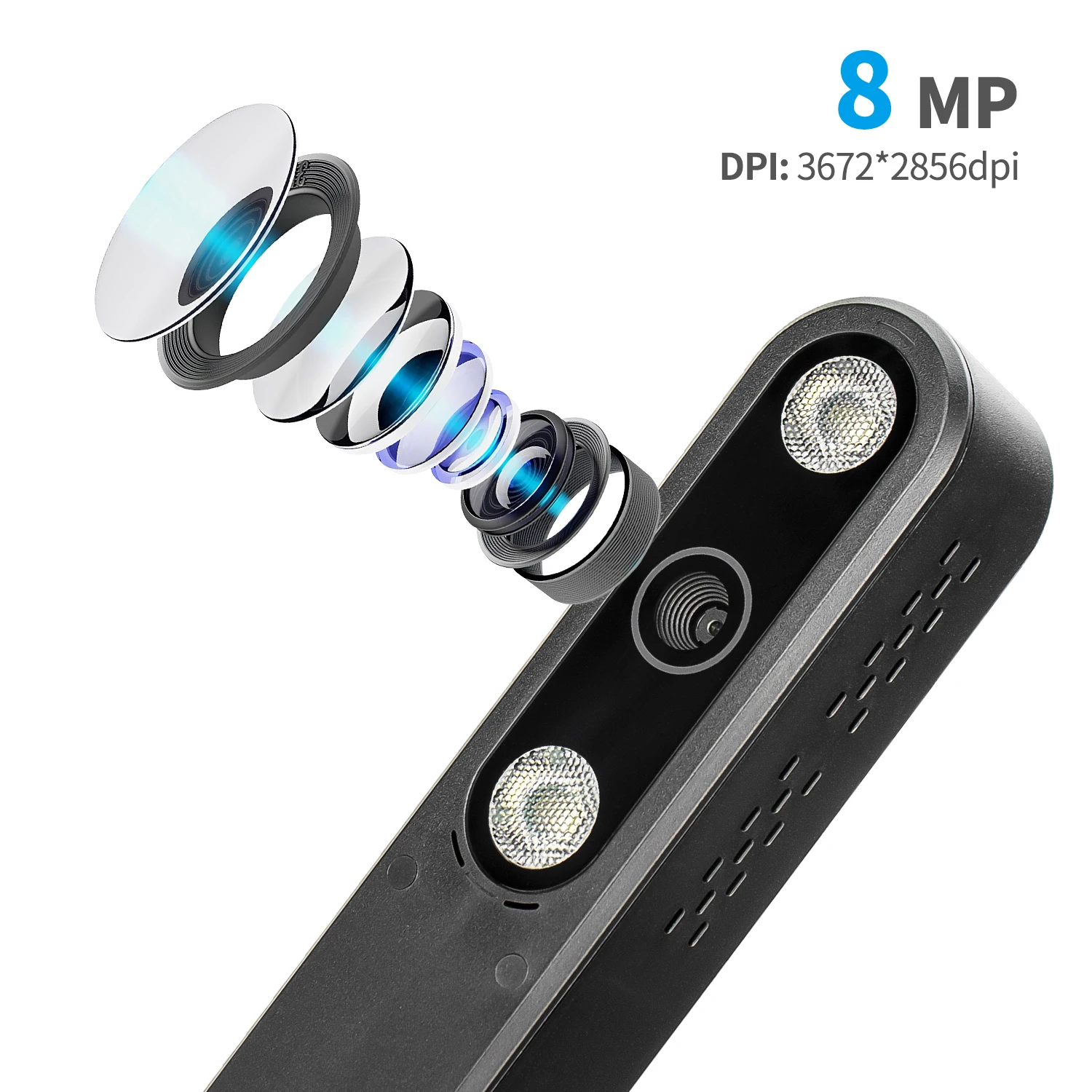
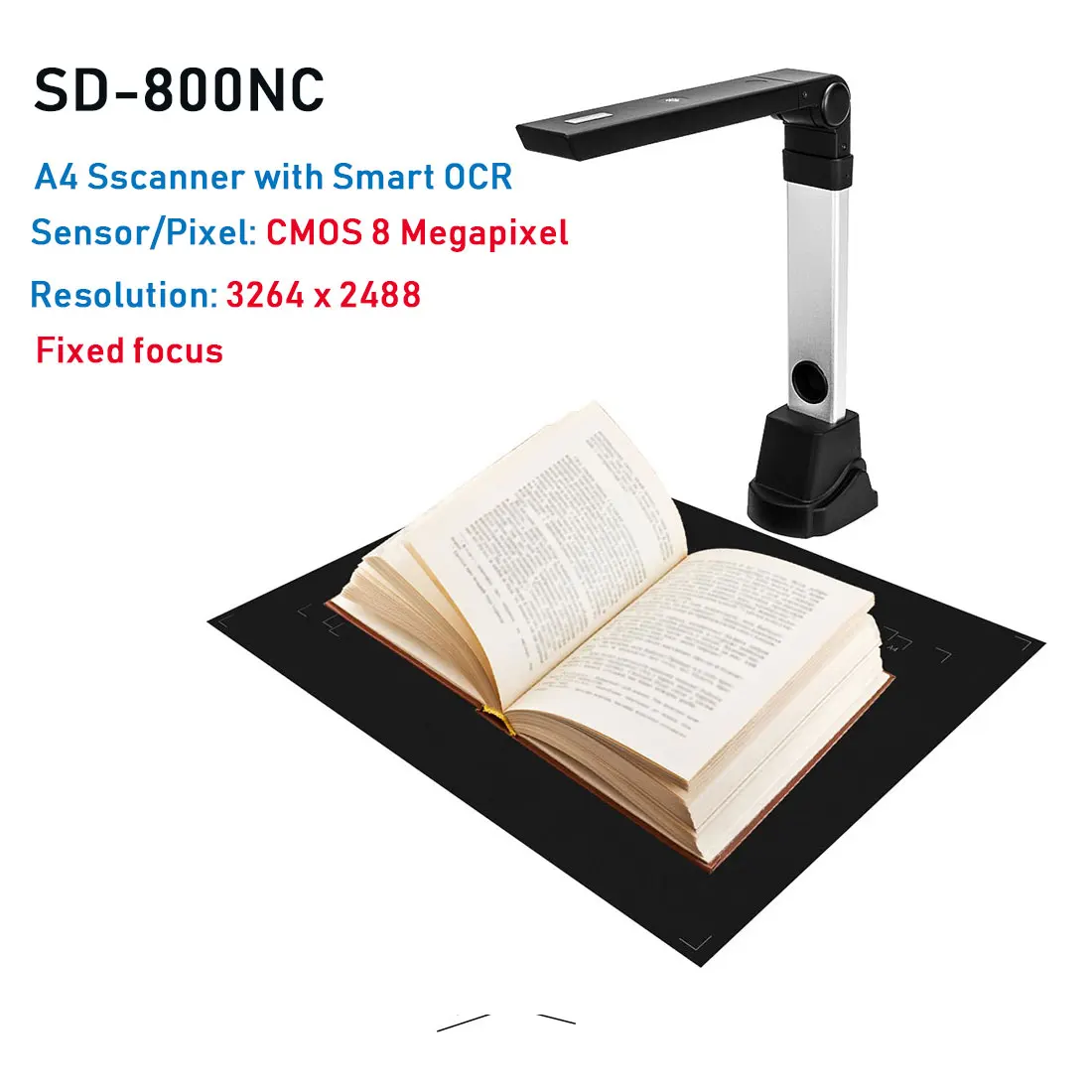
Image Sensor: 8.0 Megapixel CMOS Color Sensor
Interface: USB 2.0
Resolution: 3264 x 2488
Image File Format: TIF, JPG, BMP, PNG
Image Capture Speed: 1 second
Document File Format: DOC, TXT, PDF, XLS
Video Format File: AVI
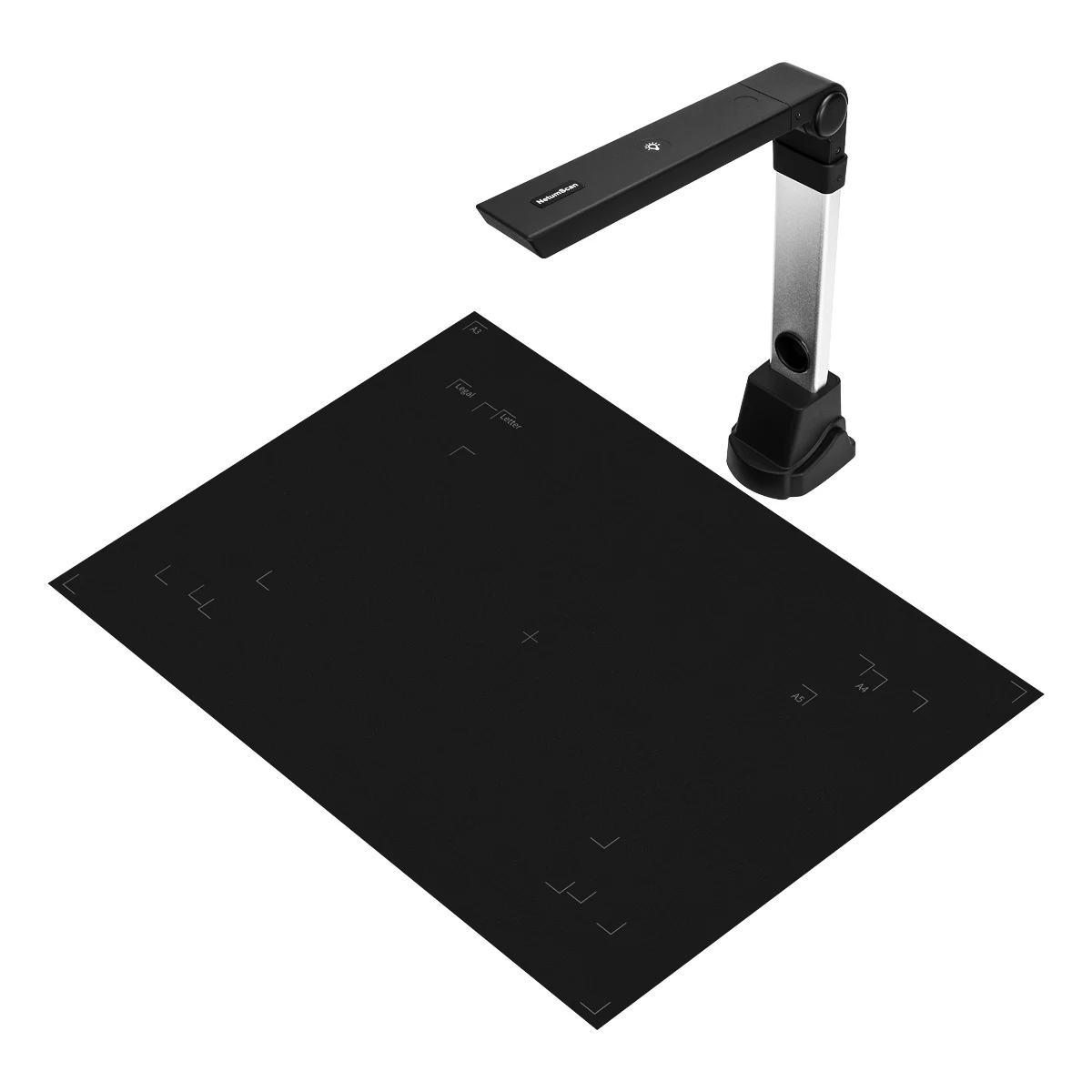
Shooting Area: Up to A4 Size – 8.27 x 11.69″ (210 x 297mm)
Focal Length: 4″ to 15″ (101 to 381mm)
Focus: Auto-Focus
LED Lights: 6
Effects: Color/ B&W/ Grey
White Balance: Auto
Operating Mode: Text/ Graphics/ High Frame
Operating Dimensions: 12.2 x 3.5 x 13.8″ (310 x 89 x 350mm)
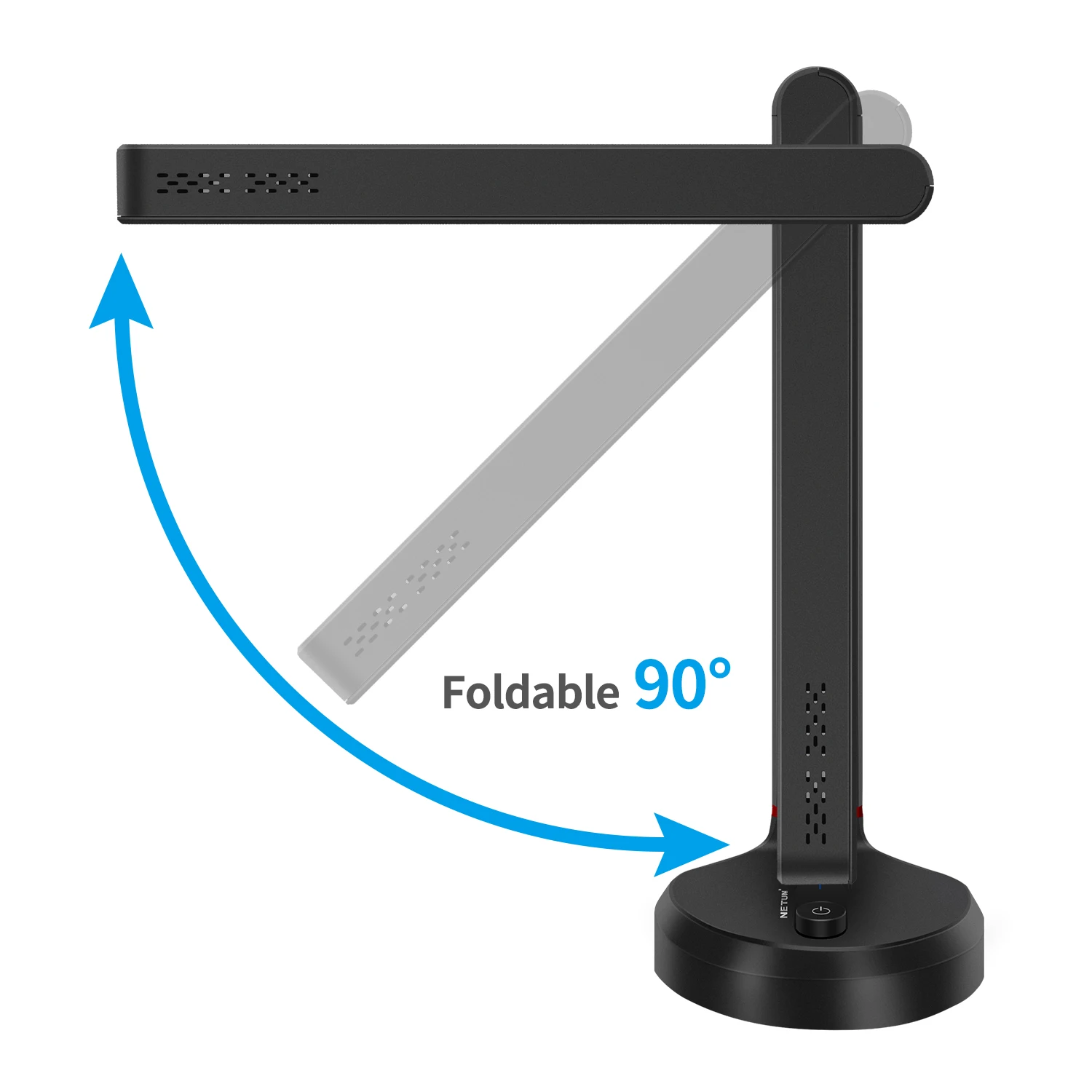
Folded Dimensions: 4.1 x 3.5 x 13.8″ (105 x 89 x 350mm)
Weight: 1.8 Lbs (800g)
Operating System Requirements: Windows® 2000 / XP / Vista / 7 / 8 / 10
Processor Requirement: Intel Based Processor
Included Components: NETUM® NetumScan SD-800NC unit, USB Cable, Soft Position Pad, Quick Start Guide, NetumScan Pro Software
Special Tags, Ratings, Warnings & Care:
Compatibility: Driverless device for Windows 10, 8, 7, Vista, or XP operating systems.
Warning: For color-demanding materials (e.g., magazines, art books), contact vendor for scanning samples to ensure satisfaction.
Care: Tear off factory protective film before use.